ROTATE TO LANDSCAPESpace Explorer Sim is designed for a wider view. Turn your phone or tablet sideways to continue exploring.
SPACE EXPLORER SIM · SYSTEM PLANETARIUM
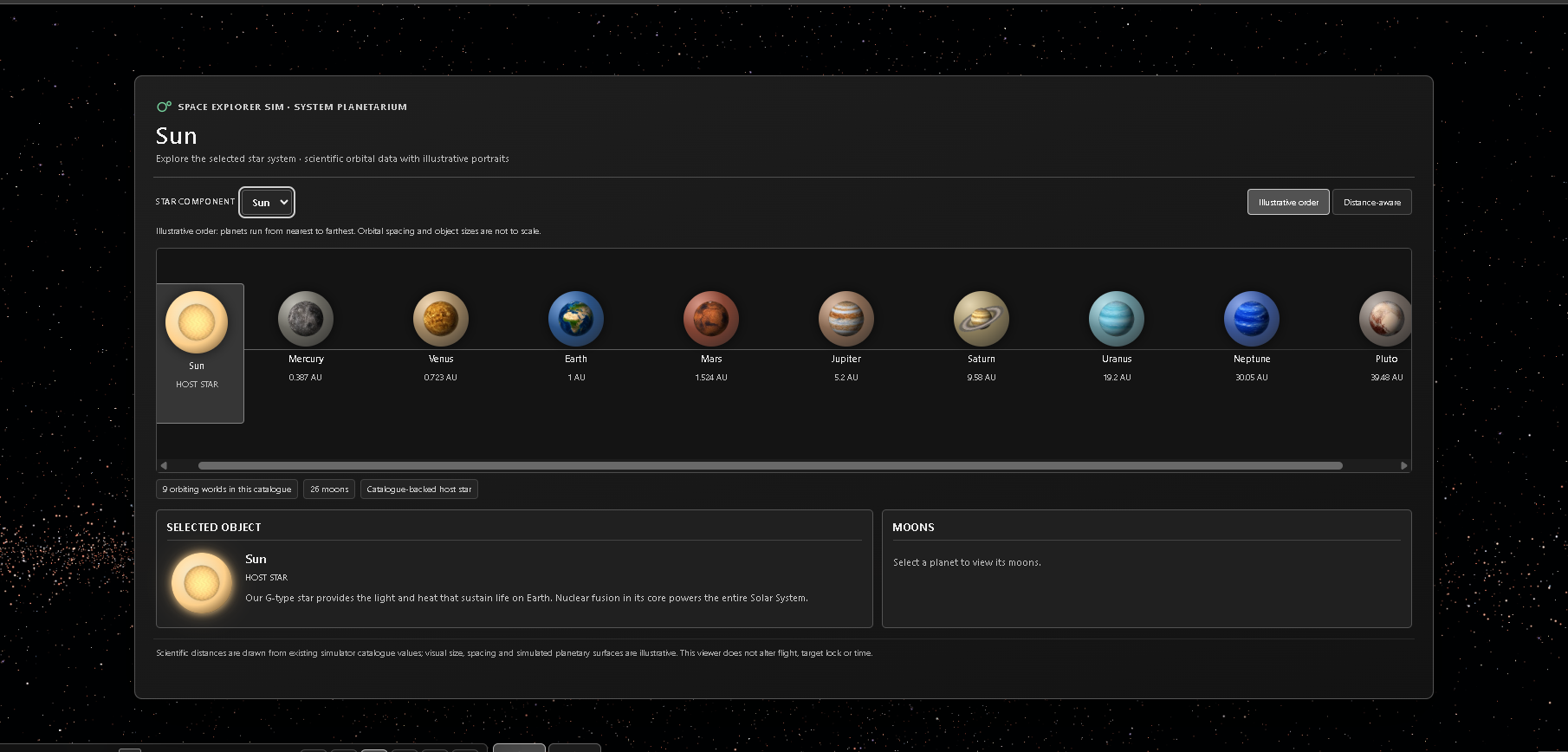
System Planetarium
Explore the selected star system · scientific orbital data with illustrative portraits
Illustrative layout: orbital order is correct, sizes and spacing are not to scale.
Selected object
Moons
Scientific distances are drawn from existing simulator catalogue values; visual size, spacing and simulated planetary surfaces are illustrative. This viewer does not alter flight, target lock or time.
SHOW OBJECT NAMES
STAR NAME SOURCE
Star labels identify named stars and optional simulated objects; label settings do not affect navigation.
♫ MY MUSIC · LOCAL MP3
Choose local files or a folder · nothing is uploaded.
No track selected
Browser folders require your selection each visit. A future Steam desktop build may remember a folder. Files stay on your device.
SunCATALOGUED STAR
SELECTED OBJECT
Earth
DISTANCE TO EARTH SURFACE
—
EARTHDistance —NOT TRAVELLING
CELESTIAL OBJECT
Earth
✦ SUN
GALACTIC CENTRE
SIMULATION TIME · UTC▶ 1×
Approximate mean orbits and spin, not JPL ephemerides.
10 km/sPILOT SPEED0 km/s
GRAPHICS
LOCAL SPACE
1.0×TRAVEL SPEED
0 km/s
ACTUAL CAMERA SPEED · LIVE
1.0×
10 km/s
TRAVELLING TO EARTH · ESC CANCELS TRAVEL · LOOK AROUND FREELY
No prescribed route. Choose a star, find a distant galaxy, follow its light across the darkness and travel there. Space Explorer Sim brings astronomical catalogues and a vast procedural universe together in one free-flight simulation.
1,001Observed galaxies
5,000Procedural galaxies
BillionsModelled stars per galaxy
TrillionsPotential simulated planets & moons
FLY WITHOUT BOUNDARIES
From one world to another. From one galaxy to the next.
Navigate freely, zoom into planetary systems and experience stars, rings, clouds and atmospheric light from space.
01
Travel freely
Take direct control of your journey across extraordinary distances with Normal and Inertial flight.
02
Discover & navigate
Search catalogued objects, select labelled destinations, use Go To and inspect star systems.
03
Experience the view
Planetary close-ups, ring systems, atmospheric and cloud effects, stars and distant galaxy light.
CAPTURED IN THE SIMULATOR
See the universe for yourself.
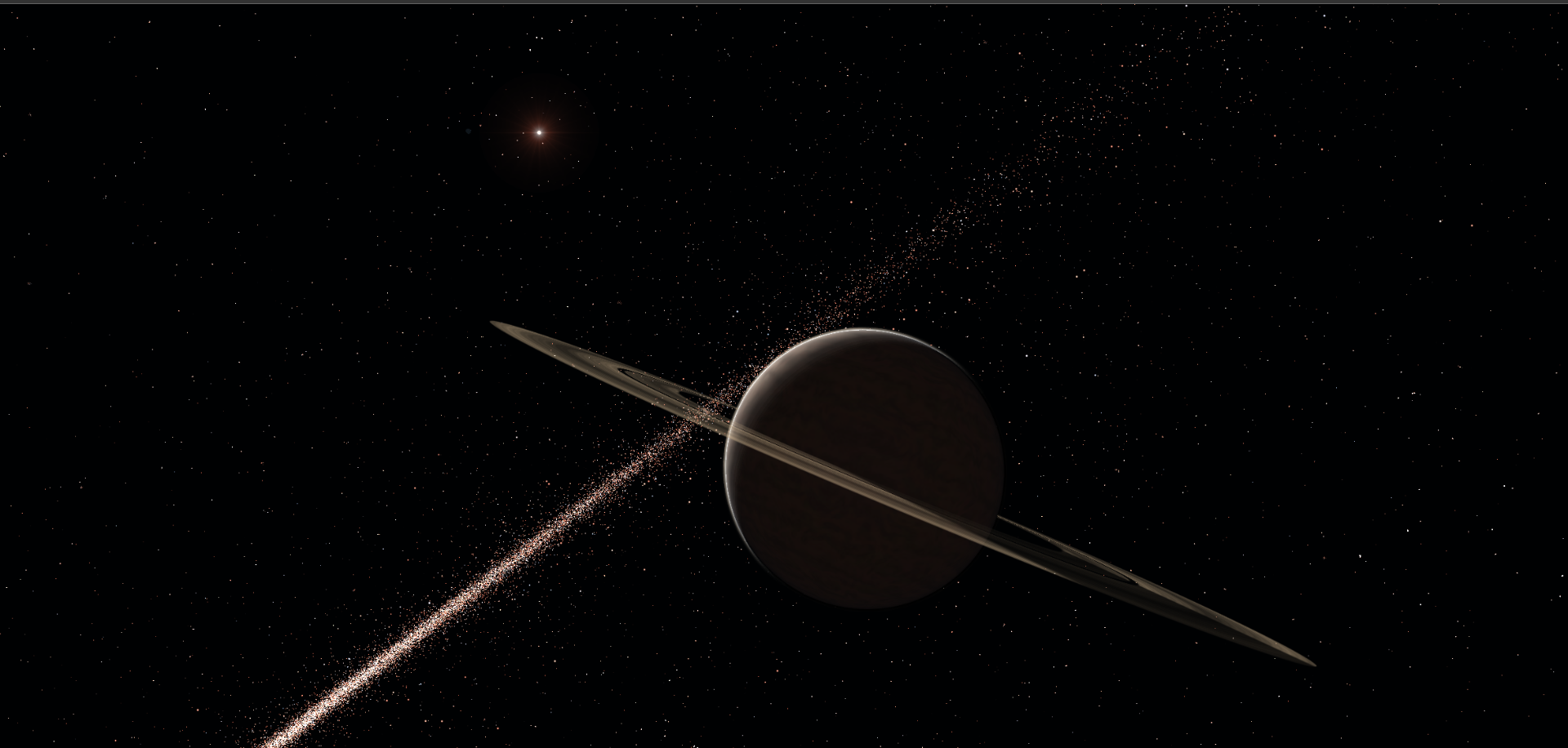
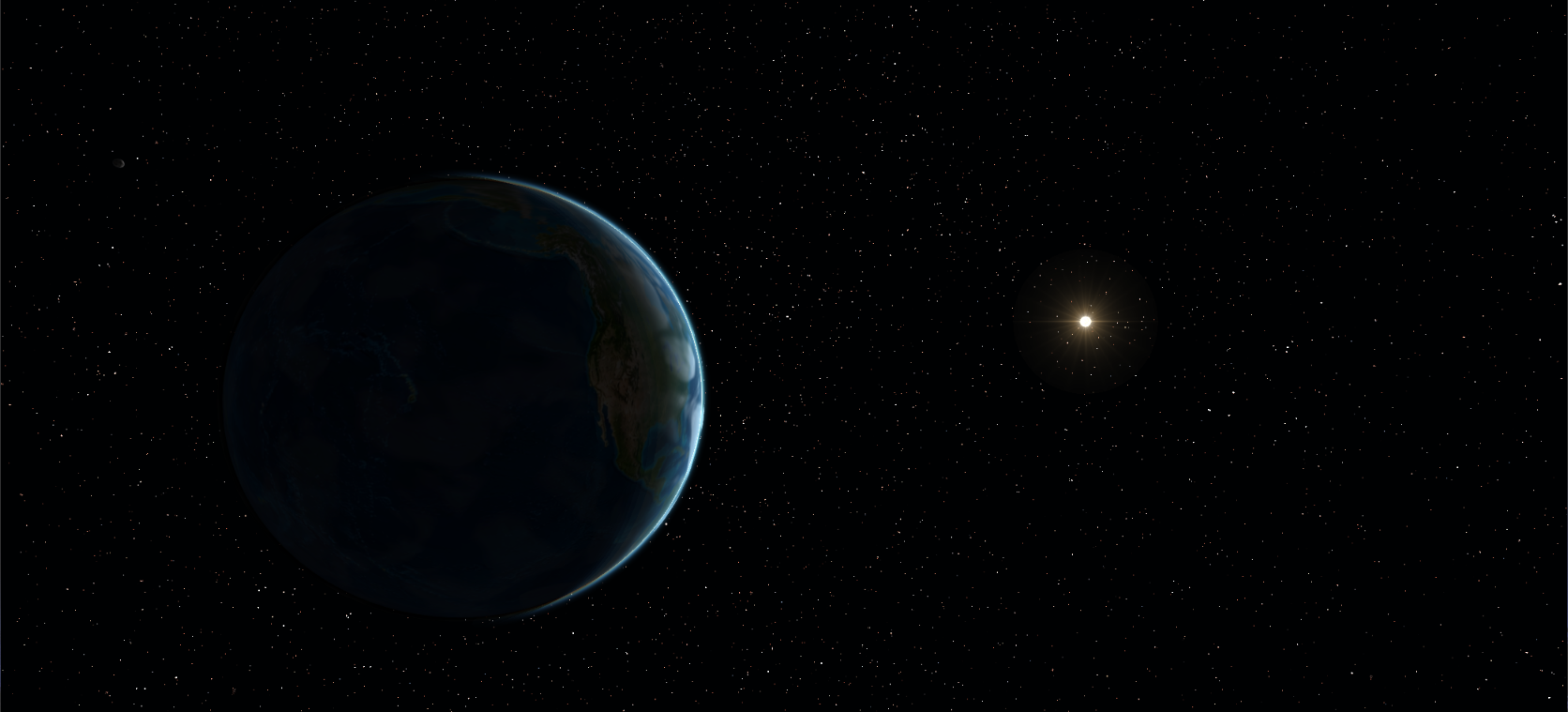
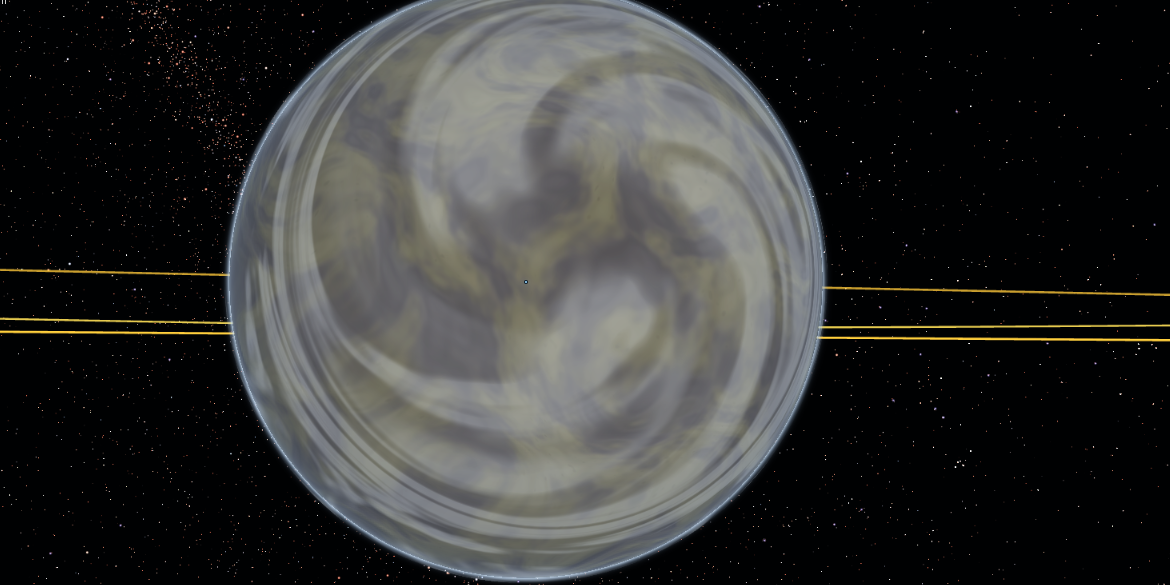
Every image below is a direct crop from actual Space Explorer Sim gameplay. Click any image to view the original crop.
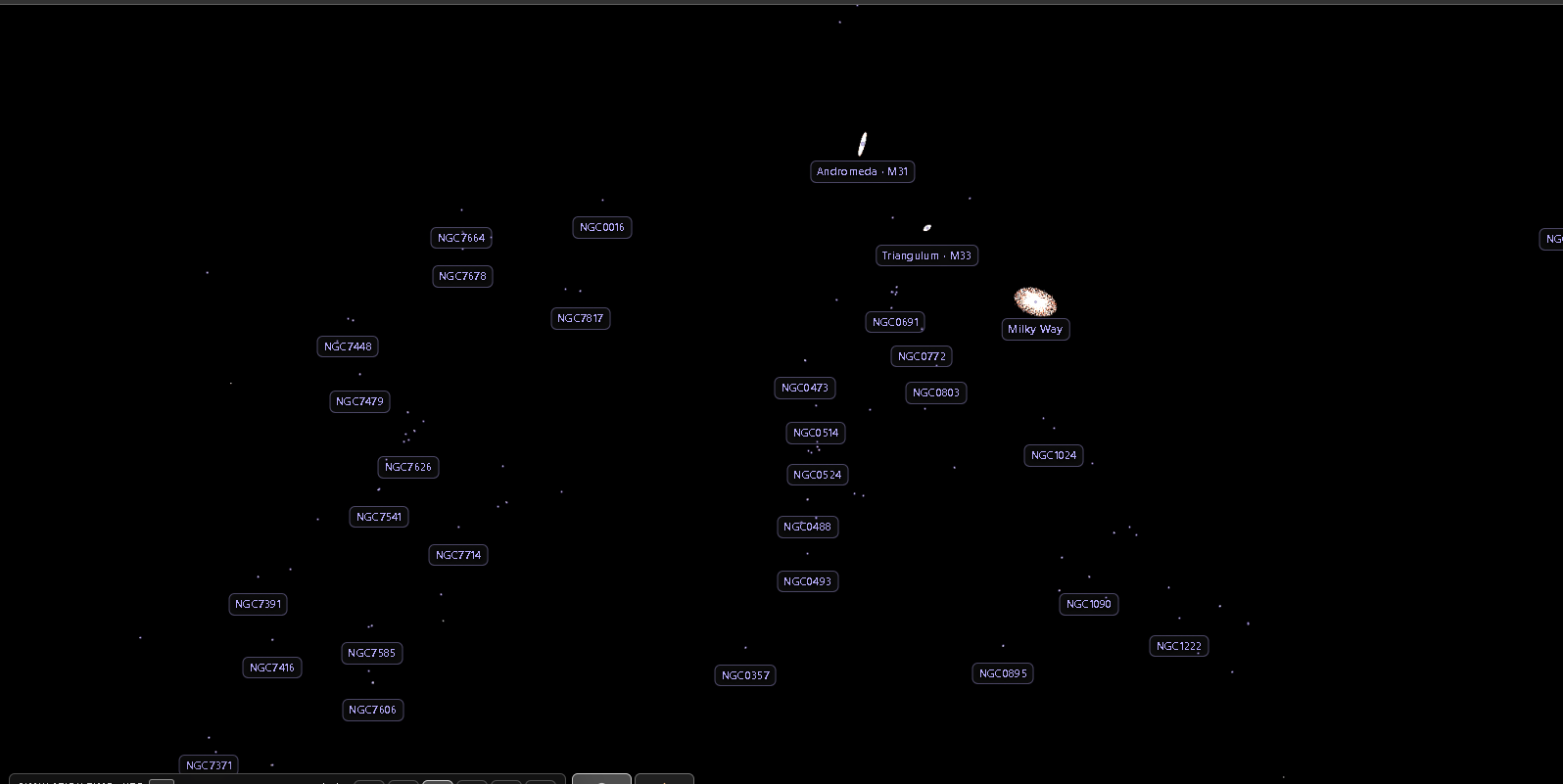
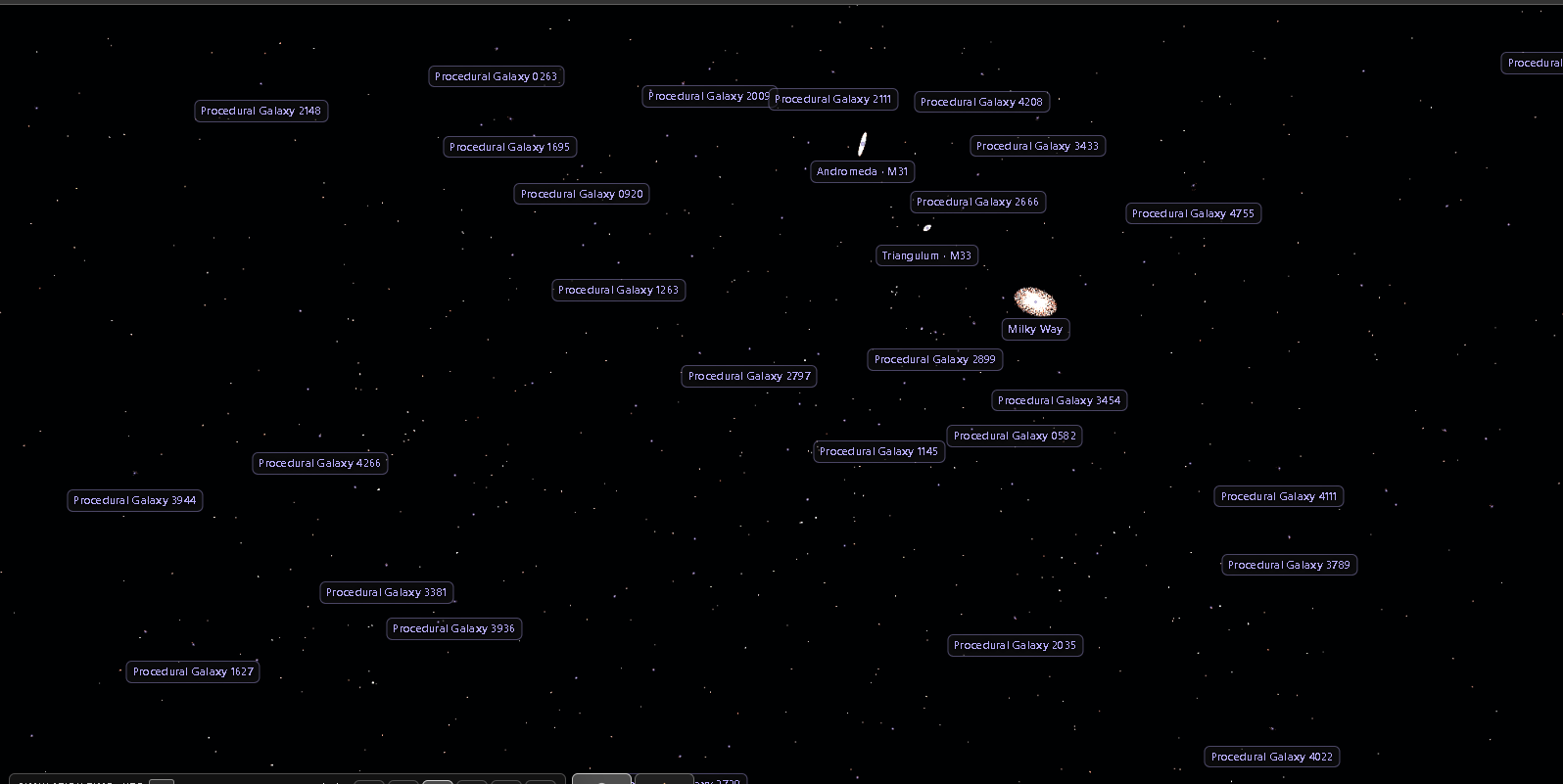
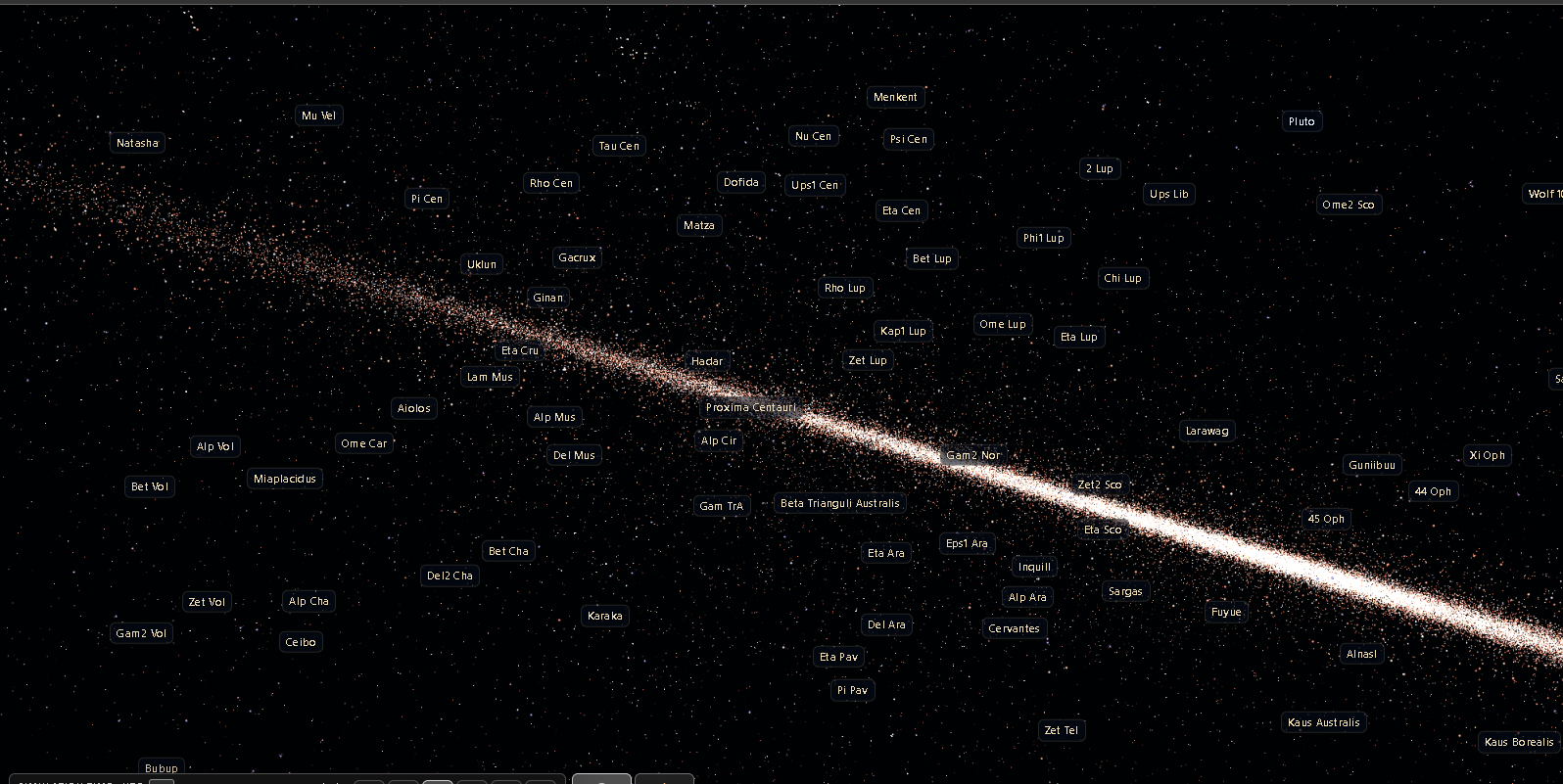
Known galaxies, generated galaxies and named stars are independently identified. Object labels and navigation help turn an enormous sky into places you can visit.
Observed galaxiesReal catalogue targets to find and visitProcedural galaxiesThousands more generated destinationsNamed starsRecognisable stars alongside vast simulated populations
THE ENGINE BEHIND THE JOURNEY
Independently built. Purpose-made for space.
Space Explorer Sim runs on a custom, browser-first WebGL simulation engine: procedural generation, astronomical-scale navigation, object streaming and detail management, GPU rendering, planetary visuals and free-flight controls.
Built as a solo UK development project with AI-assisted programming, creative direction, iterative testing and a lot of persistence. No large studio — just an idea that kept growing.
The astronomical populations are simulated and streamed at appropriate detail; billions of individual stars are not drawn simultaneously. Visual planetary surfaces and simulated objects are illustrative.
FREE TO EXPLORE · OPTIONAL SUPPORT
Your universe. Free in your browser.
The complete Space Explorer Sim is free to play at the official website. A browser-playable itch.io edition will offer the same experience, with an entirely optional contribution to support continued development.
↗
Play on our website
FREE
Launch the complete simulator at spaceexplorersim.com — no purchase, account or installation required.
Observed and procedural galaxies, stars, planets, moons, graphics settings and free-flight controls are all included.
A WebGL2-capable browser recommended · Website assets load online
♡
Play & support on itch.io
FREE · optional $2.99 support
Play the same complete browser simulator on itch.io. If you enjoy the project, you can choose to contribute a couple of dollars to help fund future development.
Contributing is voluntary — there are no locked galaxies, restricted flight controls or paid-only worlds.
Suggested donation, not an entry fee · itch.io page opens in a new tab
Play the complete browser edition free. Contributions through itch.io are optional. A downloadable desktop release may follow on Steam later.
FOLLOW THE JOURNEY
From a solo project to a shared adventure.
Gameplay videos, development notes and the story of how this custom AI-assisted simulator was built. Platform pages will be linked here when they exist.
01 / WATCH
YouTube
In-game flights, galaxies, close-up worlds and tutorials.
Official channel in preparation
02 / PLAY & SUPPORT
itch.io
The same complete browser game, free to play, with optional $2.99 support.
Technical information, updates and an organised project history.
Public project page in preparation
GOOD TO KNOW
Frequently asked questions.
Is the browser experience really free?
Yes. The complete browser edition is free to play at spaceexplorersim.com.
Do I have to pay on itch.io?
No. Browser play is free on both our website and itch.io. A suggested $2.99 contribution is optional and helps support ongoing development. No gameplay content is locked behind payment.
Will there be a desktop version?
A downloadable offline edition is planned for a future Steam release. Desktop packaging and sales are not part of this initial browser launch.
Can I land on planets?
This is a space exploration simulator, focused on free flight and orbital/close-up views of planets and moons. Surface landing or walking gameplay is not part of this release.
Are all the stars and planets observed?
No. The simulator distinguishes observed catalogue objects from illustrative, deterministically procedurally generated systems. The vast population figures describe modelled possibilities, not objects all simultaneously resident in memory.
Who made Space Explorer Sim?
A solo independent developer in the UK, working with AI assistance to build and test a purpose-made WebGL simulation engine.
SPACE EXPLORER SIM
An independently developed, AI-assisted space exploration simulator powered by a custom WebGL-based simulation engine.
Explore 1,001 observed galaxies and 5,000 procedural galaxies with a vast modelled population of stars, planets and moons. Fly freely, discover destinations and view worlds up close from space.
If WebGL2 is unavailable, try Chrome or Edge with hardware acceleration enabled. If a shader error is shown, this is an application issue, not a browser setting.
SPACE EXPLORER SIM
Settings
Graphics qualityChoose a preset; changes apply immediately.
Choose a preset, or expand a section below.
Display & detail
Adjusts 3D render resolution, not menu text.
Planets & atmosphere
PLANET ATMOSPHERES & CLOUDS
STELLAR OPTICS
Auto3K6K12K25K50K100K
Changes apply when you release the slider. Higher density may reduce FPS.
Glow and spikes are visual effects; catalogue coordinates stay unchanged.
Generated-star brightness is illustrative. Simulated stars retain stable IDs, selection and Go To; current detail levels are not a full census.
Technical & data notes
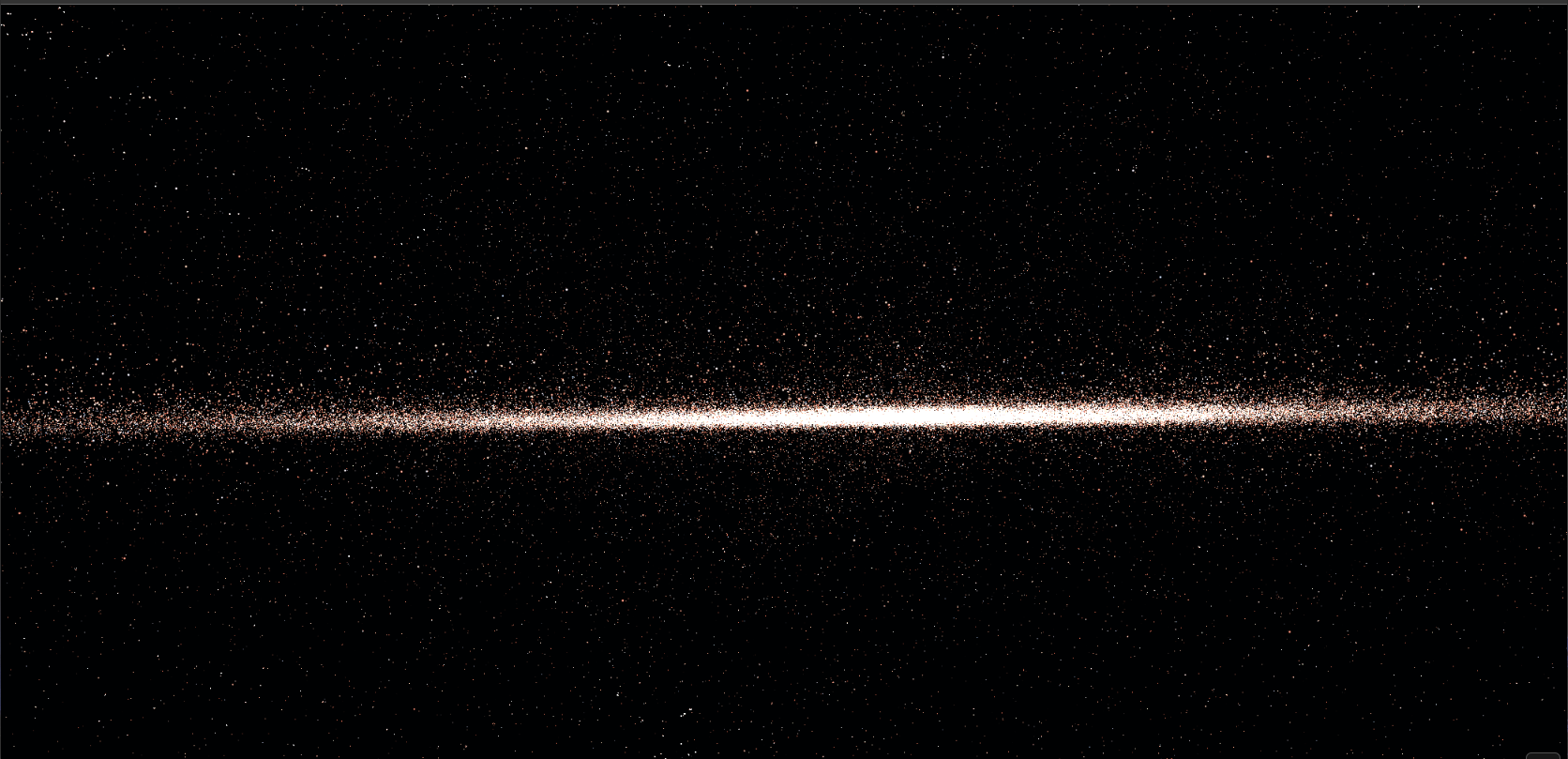
Solar System surface and moon maps are artistic renderings. The developer reports that the current maps were recreated; complete file-by-file provenance and redistribution checks remain part of release preparation. UV seams are checked and the mapped sphere uses explicit texture coordinates. The Milky Way is an astronomically oriented procedural illustration, not an observed sky photograph. Planetary orbital planes are now drawn on a shared J2000 ecliptic plane, with only very small illustrative deviations for readability. KTX2 compression remains planned.
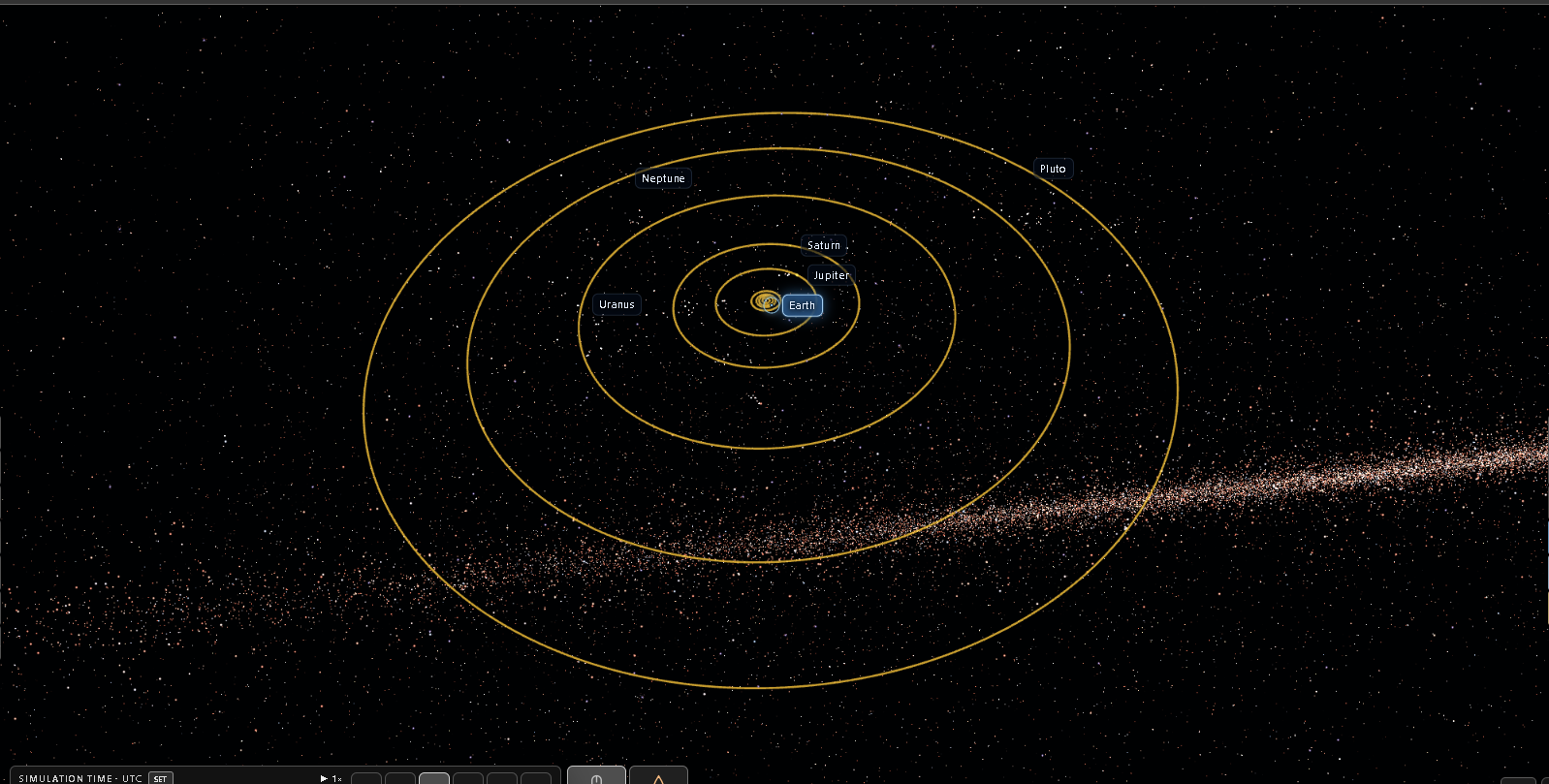
Astronomical distances do not change with graphics settings. Orbit phases remain illustrative. Solar System planet orbit lines now share a common ecliptic plane for a more natural visual alignment.
Personal music
Play your own local MP3s. Nothing is uploaded.
Stellar sonification
Optional stellar tones. For catalogued pulsars pulses follow their recorded repetition frequency; simulated pulsars use explicitly hypothetical model frequencies instead. Uses this same ON/OFF control and volume. Space itself is silent.
SPACE EXPLORER SIM
Flight controls
A quick guide to flying and exploring. Open a section for its shortcuts.
✦Free flightMove, roll and adjust cruise
WSForward / backward
ADStrafe left / right
RFRise / descend
QERoll
WheelChange manual cruise rate (no automatic scaling)
◎CameraLook, orbit and optical zoom
Left dragLook around
Right dragOrbit locked target
L + R dragMove along viewing direction
ShiftDragOptical FOV zoom (left-drag)
Middle clickToggle 33% optical zoom / reset
TLock selected target without turning the camera
⌖Targeting & travelSelect, lock and Go To
ClickSelect a real object
Double-click / tapLock target without travelling
Empty clickRelease target lock
GGo To selected object
EscCancel active Go To only
WASDR/FAdjust flight without cancelling
▦InterfaceSearch, information and time
CExplore search
IObject info
HClean-screen mode
SpacePause / resume simulation time
Clock controlsChange simulation time
12System / galaxy travel shortcuts
Touch & controller tips
Physical keyboards, Bluetooth mice, touch dragging and pinch zoom can all work together. Two fingers swiping vertically in opposite directions roll the camera (Q/E), without changing speed. Double-tap to lock a target, Orbit Target for right-stick orbital viewing, Go To to travel. Normal stops after thrust release; Inertial coasts until counter-thrust. This option only controls the visibility of the virtual sticks; it never disables a connected keyboard or mouse.
An active target stays locked while you look around. Press T to re-centre; ordinary mouse movement won't snap the camera back.